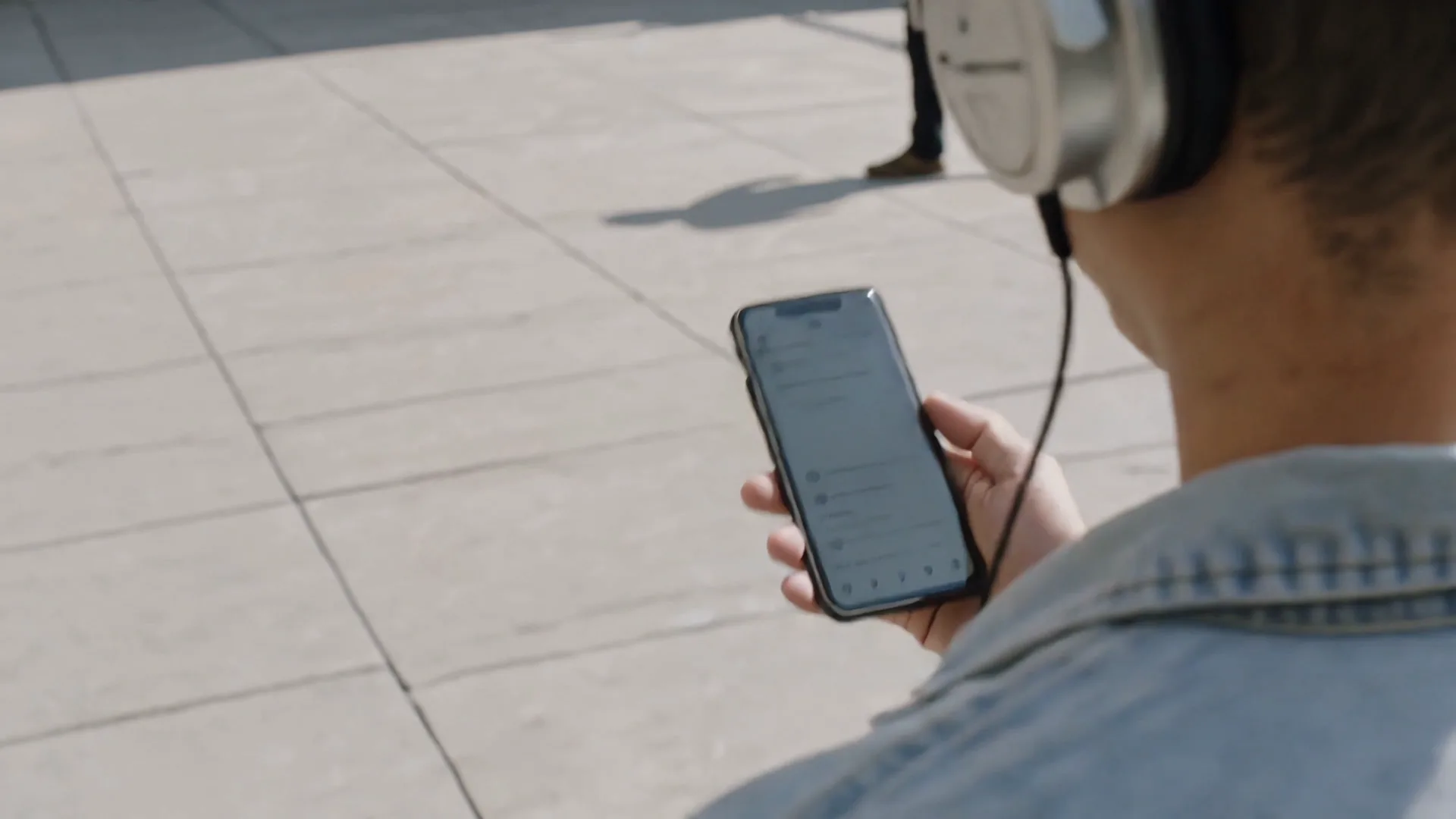
AI Music Generator Free Online
AI Music Video Generator — Turn music into motion.AI Music Generator — Turn ideas into music.
Cinematic stories, performances, and visual worlds generated from your song.Original songs, voices, and sonic worlds generated from your idea.Why choose our AI Music Generator
Start with an idea, your own lyrics, an audio upload, or a creative reference—then shape the sound, refine the performance, and build a release that feels entirely your own.
Create music your way
Describe a mood, genre, story, or sound and turn it into a complete song. Write your own lyrics or let AI help, create vocals or instrumentals, and explore different styles, languages, arrangements, and versions.
Bring your sound into the process
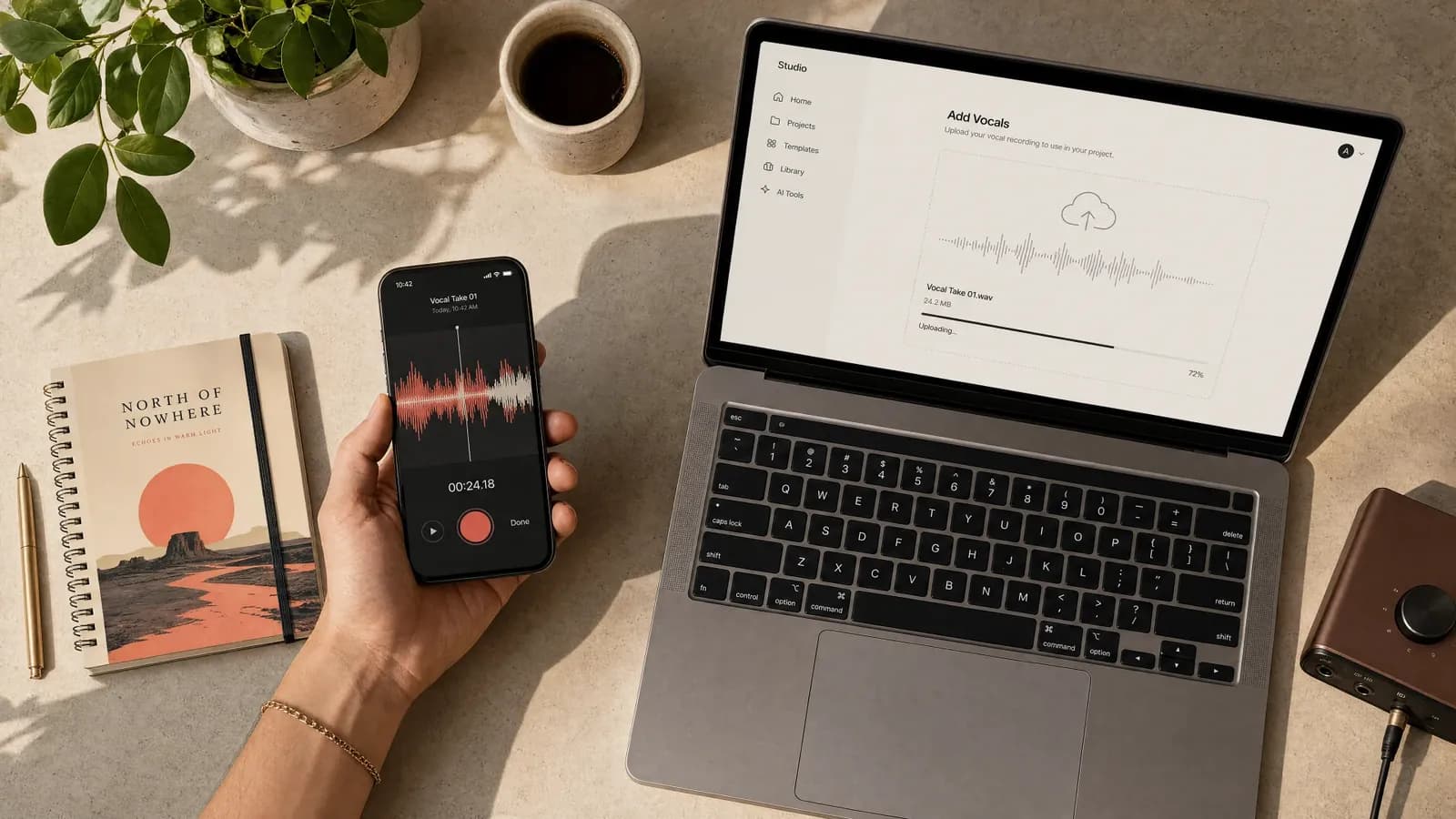
Upload a song, vocal recording, or instrumental and take it in a new direction. Use a song or your own voice as a reference, then extend the track, create a cover, reshape the arrangement, and refine the vocals, instruments, timing, and style.
Turn every song into a complete release
Give your music a visual identity with custom cover art and beat-aware video. Create AI singer performances, lyric videos, photo slideshows, or vinyl visuals for social content, premieres, and full-track releases.
How to Create Music with Our AI Music Generator
Turn a prompt, custom lyrics, or uploaded audio into an original song and music video. Create, refine, remix, visualize, and prepare your work for release in one connected workflow.
01
Start with an idea, lyrics, or audio
Describe the genre, mood, instruments, vocals, or story you have in mind. Add your own lyrics, let AI write them with you, or upload a song, vocal, or instrumental as your starting point.
02
Generate your AI song
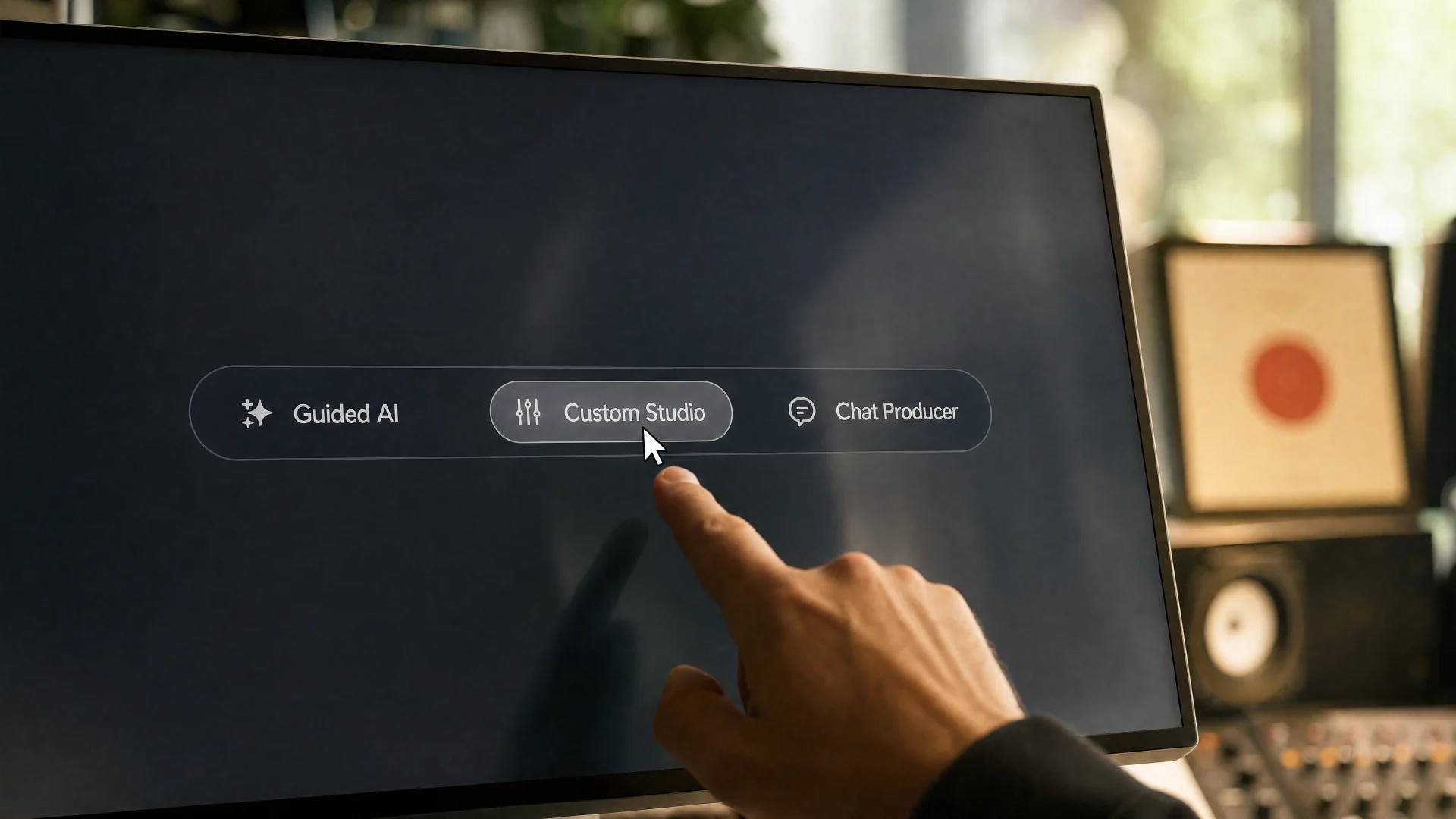
Choose a guided mode for fast results, use the custom studio for detailed control, or create with a chat-based producer. Generate complete songs with vocals or instrumentals in the style and language you want.
03
Make the sound your own
Use a song or your own voice as a reference, explore multiple versions, and refine the lyrics, vocal character, arrangement, timing, instruments, and overall style.
04
Edit, extend, and remix
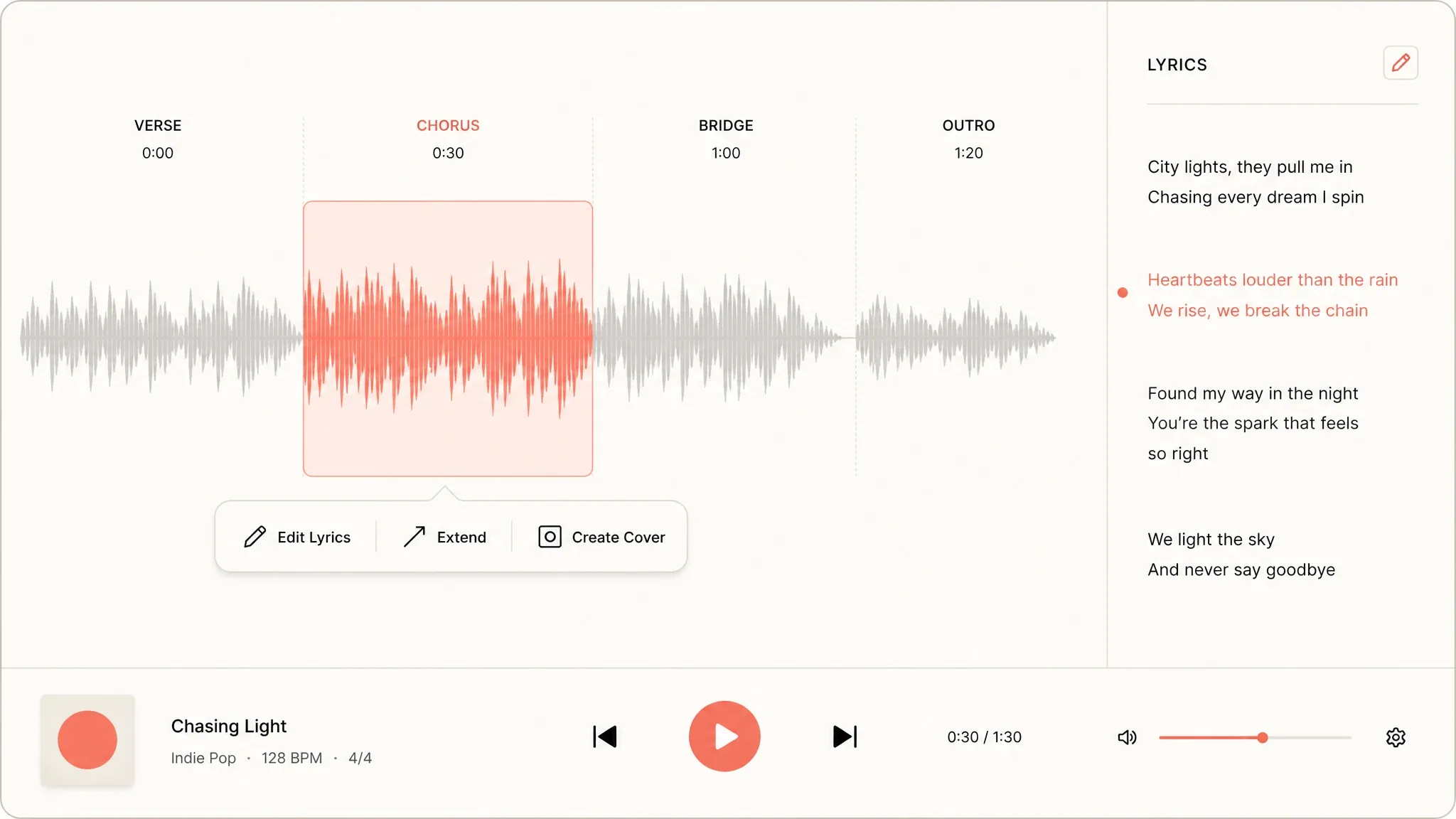
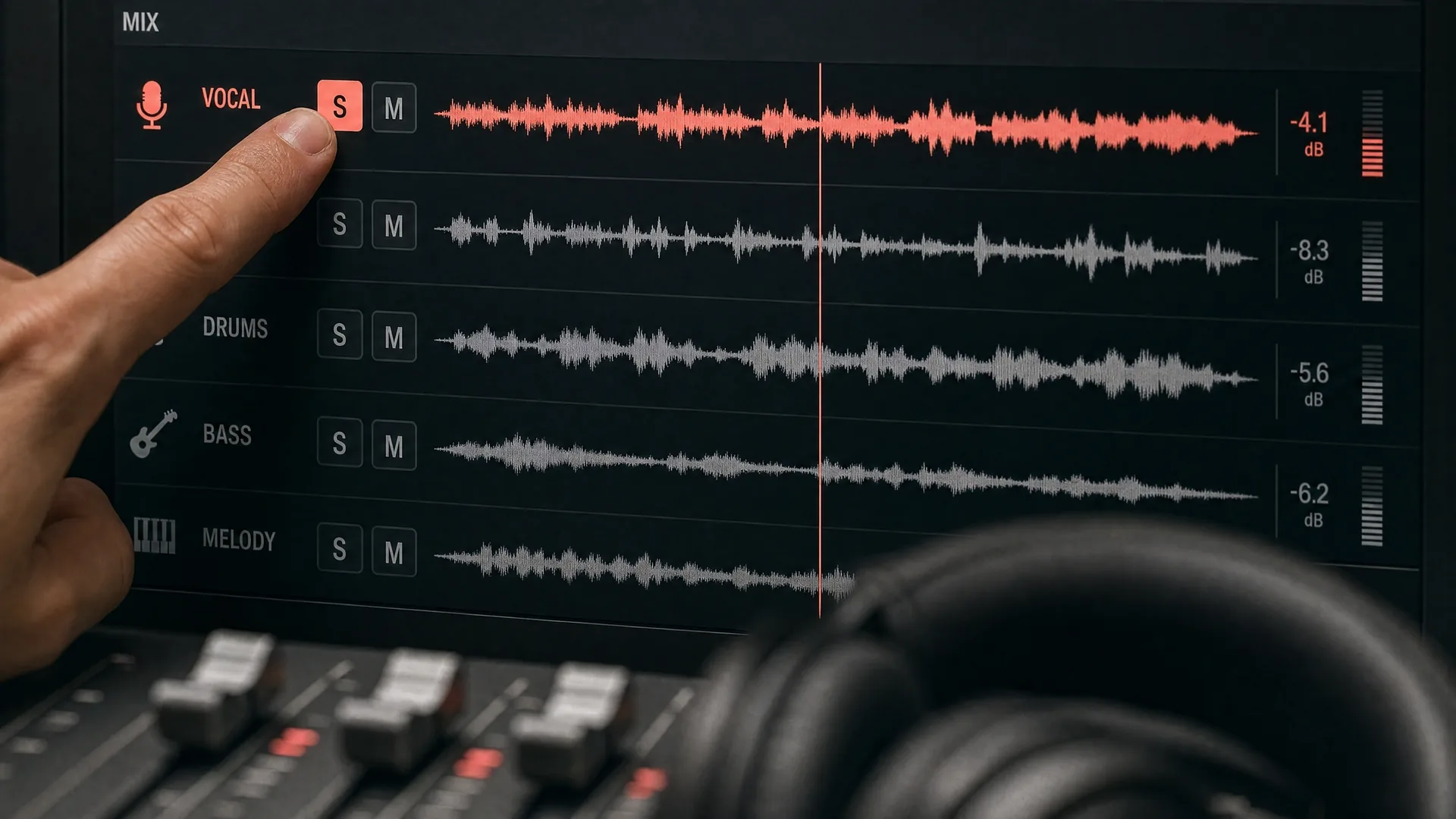
Continue a track, replace a section, create an AI cover, add vocals or instruments, remove vocals, or split the music into stems for deeper editing and remixing.
05
Create with the AI Music Video Generator
Turn a generated or uploaded song into an AI Singer performance, lyric video, photo slideshow, or vinyl visual. Add cover art and visual references to give the release a consistent identity.
06
Publish and monetize your work
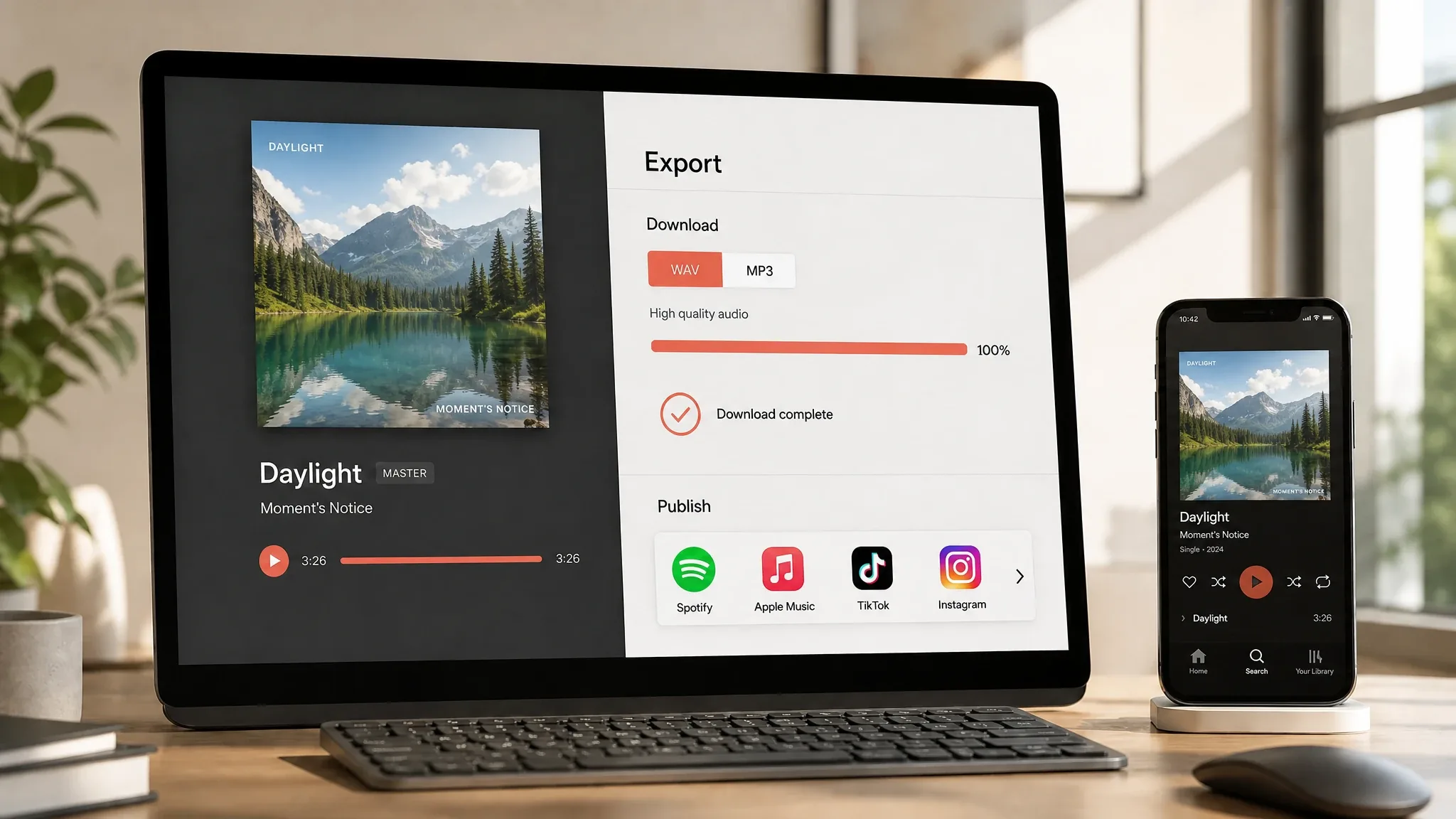
Export high-quality music and videos for Spotify, YouTube, TikTok, Instagram, and other platforms. With the appropriate commercial license, you can use eligible creations in monetized content, promotions, and commercial releases.
Your AI Music Generator and Music Video Studio in One Place.
01 / 03
What can you create?
Turn ideas into complete songs with an AI music generator that supports text prompts, custom lyrics, and instrumental creation. Shape each track around your story and sound.
Start creating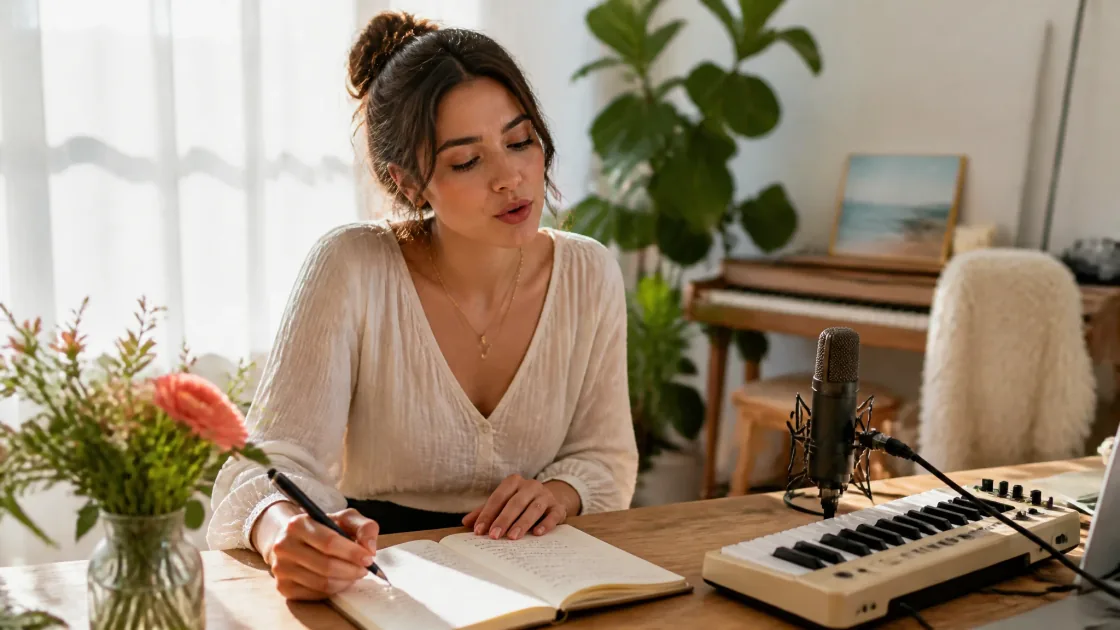
01
Text to Music, Lyrics to Songs
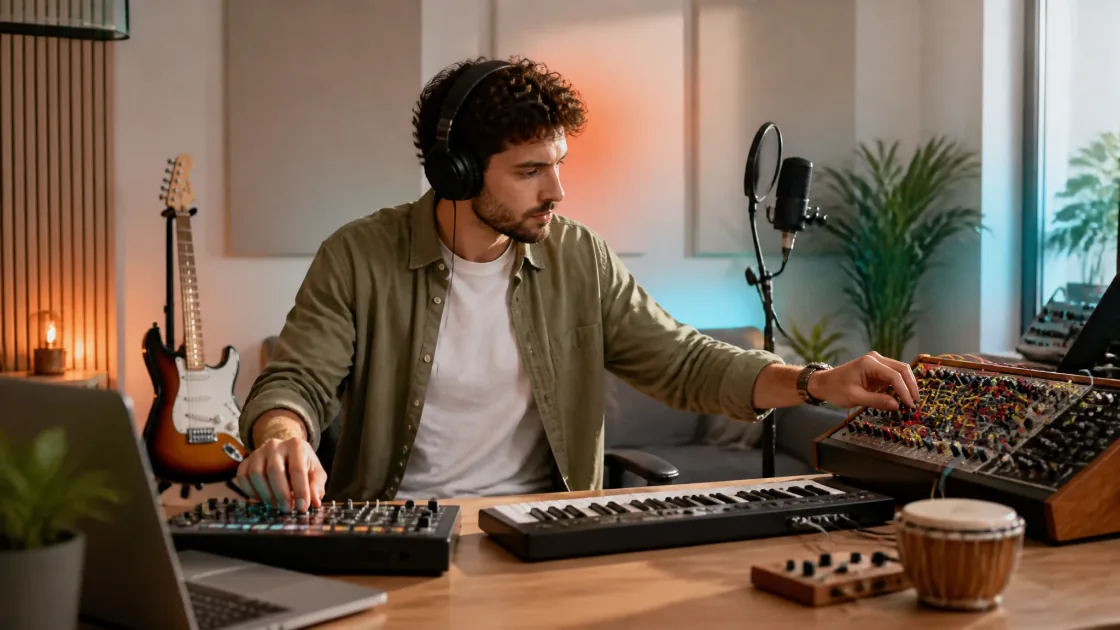
Describe a scene, feeling, or story, paste your own lyrics, or develop verses and choruses with the AI lyrics generator. Create vocal songs or instrumental tracks, and explore lyrics in English, Spanish, Japanese, Chinese, and other languages supported by your chosen model.
02
Shape Your Sound, Refine Every Song
Guide genre, mood, tempo, instruments, and vocal style through your prompt and available settings. Start with uploaded audio or a song or voice reference, then extend a track, replace a section, or separate vocals and instruments with supported editing tools.
02 / 03
Why choose AIMusicGen?
Move from music generation to editing, visual storytelling, and sharing in one workspace. Keep your songs and creative assets organized as you develop each idea.
Start creating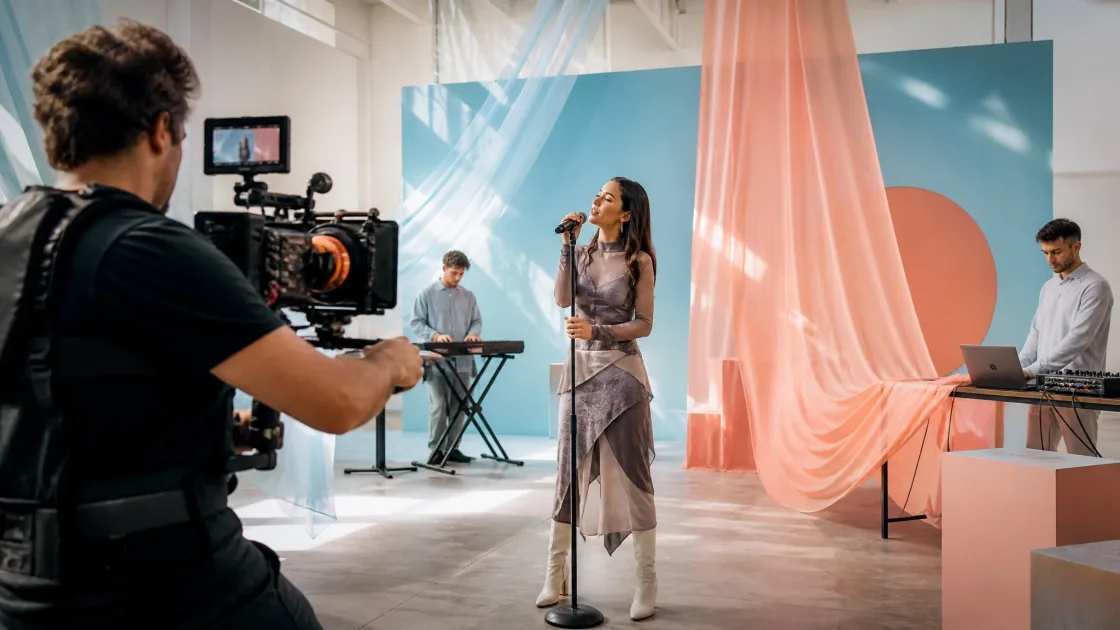
03
From AI Songs to Music Videos
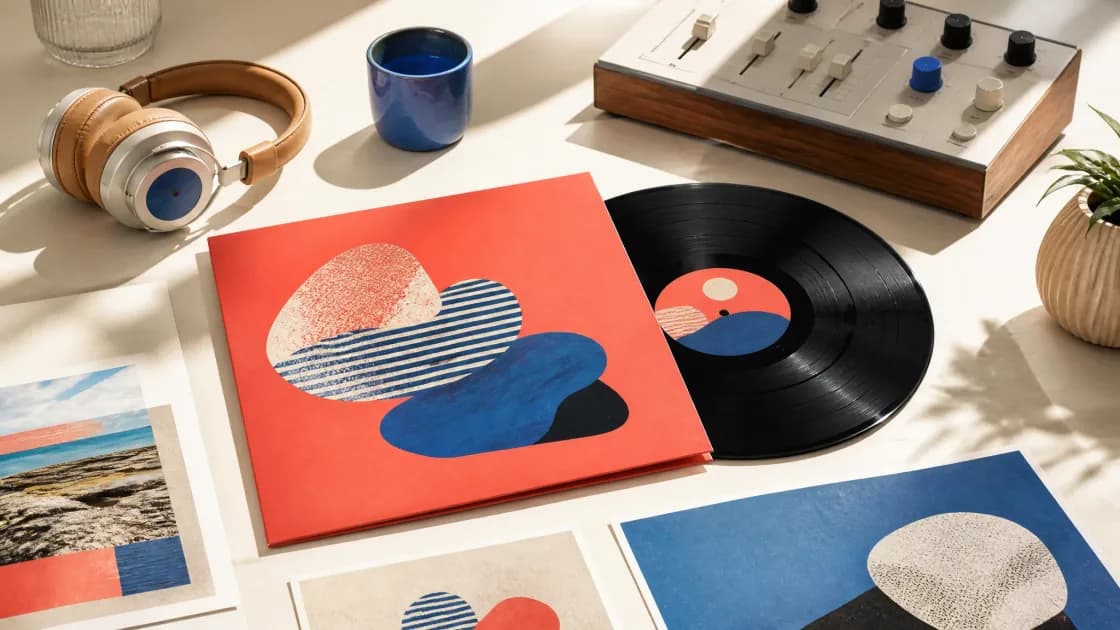
Turn generated or uploaded music into an AI Singer performance, lyric video, photo slideshow, or vinyl animation with the AI music video generator. Organize songs in workspaces and albums, download finished tracks, and share a song or album through its own link.
04
Start Free, Create for Real Projects
Use daily free credits to try AI music creation, compare versions, and develop full-length tracks. Choose supported high-quality audio exports for further production. For advertising, client work, or monetized releases, obtain the applicable commercial license for eligible creations under your plan.
03 / 03
Who is it for?
Make music for videos, brand campaigns, personal projects, or your next demo. Begin without production experience, or bring AI tools into an established creative workflow.
Start creating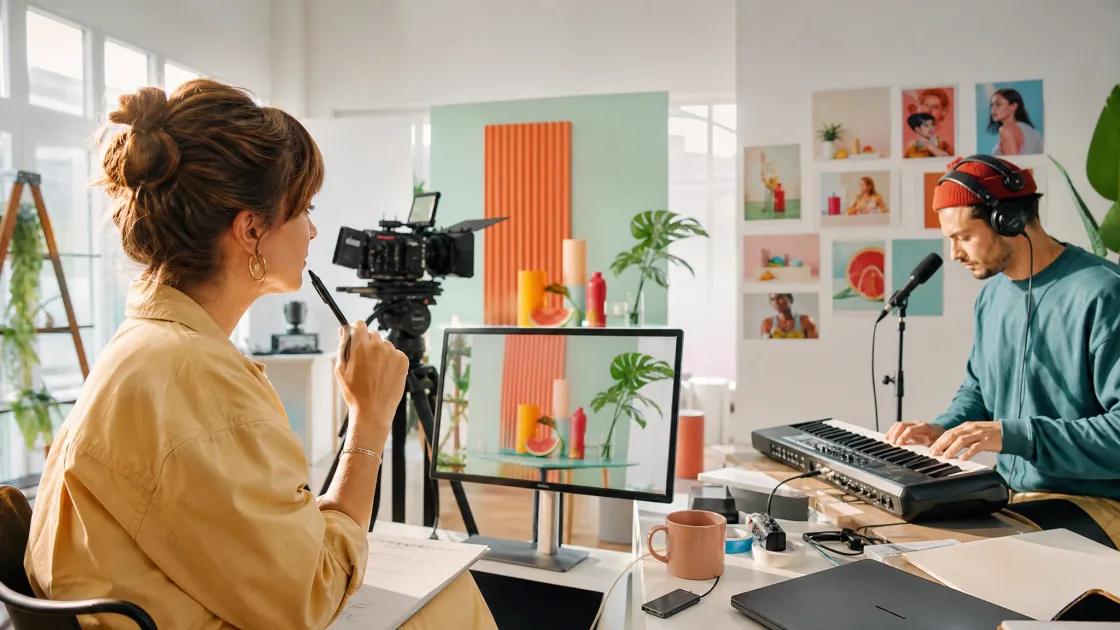
05
Custom Music for Videos & Brands
Create background music for YouTube videos, podcasts, short films, and social posts. Explore jingles, product-launch tracks, and campaign soundtracks that reflect your brand. Try different moods and arrangements to find music that fits your visuals, message, and audience.

06
For First Songs & Professional Demos
Experiment with genres, write a personal song, or hear your first lyrics set to music. Songwriters, composers, and producers can sketch demos, develop backing tracks, test arrangements, and export separated stems or MIDI from supported tracks to continue working in their audio software.






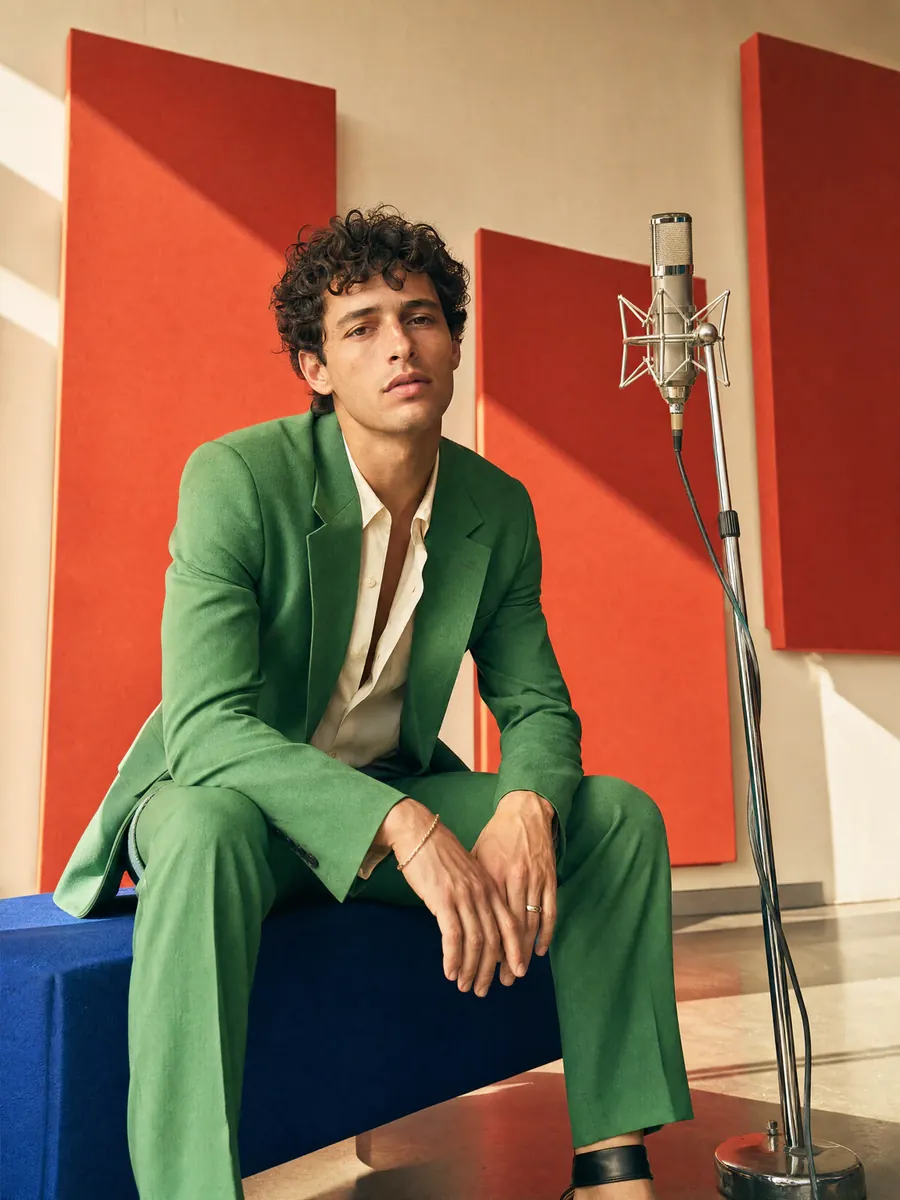
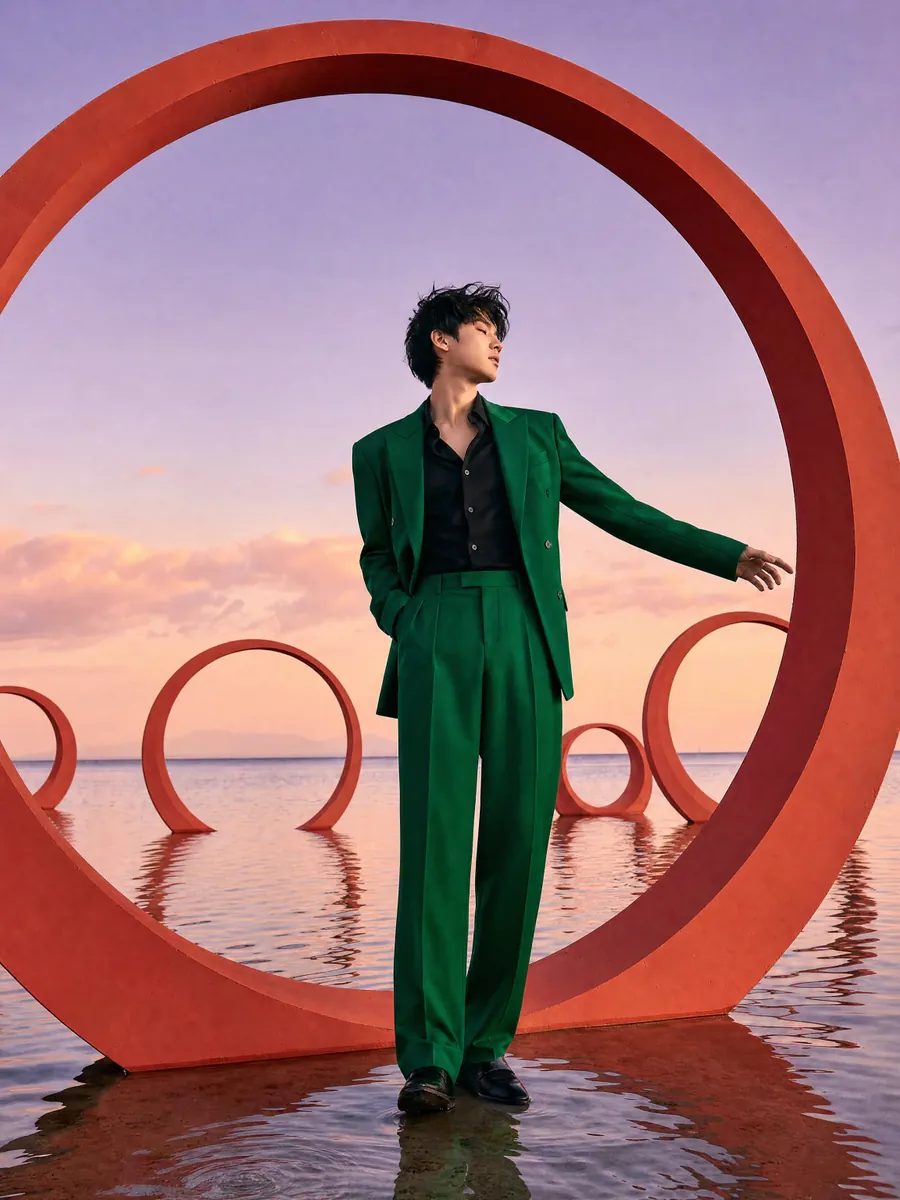
MORE TOOLS
The complete toolkit for making music
Generate, edit, separate, enhance, and transform audio in one creative workspace.
Music Tools
Extend MusicContinue a song with a new section.Edit MusicRework a section of your song.Cover MusicExplore a different style for your song.AI MasteringExplore the finishing stage for a balanced, polished track.Audio Editing
AI Voice RemoverSeparate vocals and instrumentals from a finished track.Audio CutterSelect and preview precise clips from your songs.Audio MixerMix 2–16 audio tracks online and export one combined file in six audio formats.AudioMass - Audio EditorTrim, process, preview, and export separated stems.
AI Music Generator FAQs
Answers about creating AI songs, using lyrics and audio references, making AI music videos, licensing, commercial use, and more.
What is an AI Music Generator?
An AI Music Generator uses artificial intelligence to turn instructions such as a text prompt, lyrics, or supported audio references into new music. Depending on the model, it can create melody, harmony, rhythm, arrangement, vocals, or instrumental tracks. Results and available controls vary by model.
What is AIMusicGen.ai?
AIMusicGen.ai is an AI music and music video creation platform for beginners and experienced creators. You can generate songs from ideas or lyrics, upload audio, use song or voice references, extend or cover tracks, edit sections, separate stems, and turn finished music into AI Singer, lyric, slideshow, or vinyl videos.
Which is the best AI Music Generator?
The best AI Music Generator depends on your workflow, budget, and the kind of music you want to make. Aimusicgen is designed for creators who want multiple models, guided and custom creation, a chat-based producer, audio uploads, song and voice references, editing and remixing tools, and AI music video creation in one workspace. Compare output quality, creative controls, licensing, pricing, and intended use before choosing.
How do I create a song with AIMusicGen.ai?
Choose guided creation, the custom studio, or the chat-based producer. Describe the genre, mood, vocals, instruments, or story you want, or add your own lyrics. Select a model, choose vocals or instrumental, adjust the available settings, and generate your track. You can hear your new song in under one minute, while available song lengths and controls vary by model.
Can I use my own lyrics?
Yes. Paste in your own lyrics or let AI write them from a topic or idea. Adding sections such as [Verse], [Chorus], and [Bridge] can help guide the song’s structure.
How can I make the result match my idea more closely?
Be specific about the mood, genre, vocal style, tempo, instruments, and song structure. You can generate multiple versions and refine the direction until you find the one that feels right. Because every generation is unique, small variations are normal even with the same prompt.
Can I turn my song into a music video?
Yes. You can transform a generated or uploaded song into an AI Singer video, lyric video, visual slideshow, or vinyl-style video. Choose a format, add your visuals, and customize the final presentation.
What can I do after generating a song?
You can extend the track, replace a section, create an AI cover, add vocals or instruments, change the vocal style, separate vocals and instruments, reuse a song or your own voice as a reference, or turn the song into a complete music video. Available actions depend on the source track and selected model.
Can I create songs in different languages?
Yes. Enter your lyrics in the language you want the singer to perform. Results may vary depending on the selected model, language, and complexity of the pronunciation.
Can I use Aimusicgen for free?
Yes. Aimusicgen provides free credits that refresh daily. Any creation feature whose credit cost can be covered by your available free-credit balance can be tried for free. Features that require more credits or a paid-plan benefit require additional credits or an eligible subscription. Check the Pricing page for the current free-credit allowance and feature costs.
Is AI-generated music legal?
Yes. Music generated entirely on AIMusicGen.ai can be lawfully used under the rights granted by your plan, and Aimusicgen has the rights needed to generate and license eligible outputs. You must still have permission for any lyrics, audio, samples, or voices you upload or reference, and you must follow applicable laws and platform rules. Commercial use requires the appropriate license. Copyright registration eligibility depends on the law in your jurisdiction and the human creative contribution to the work.
Can I use the generated music commercially?
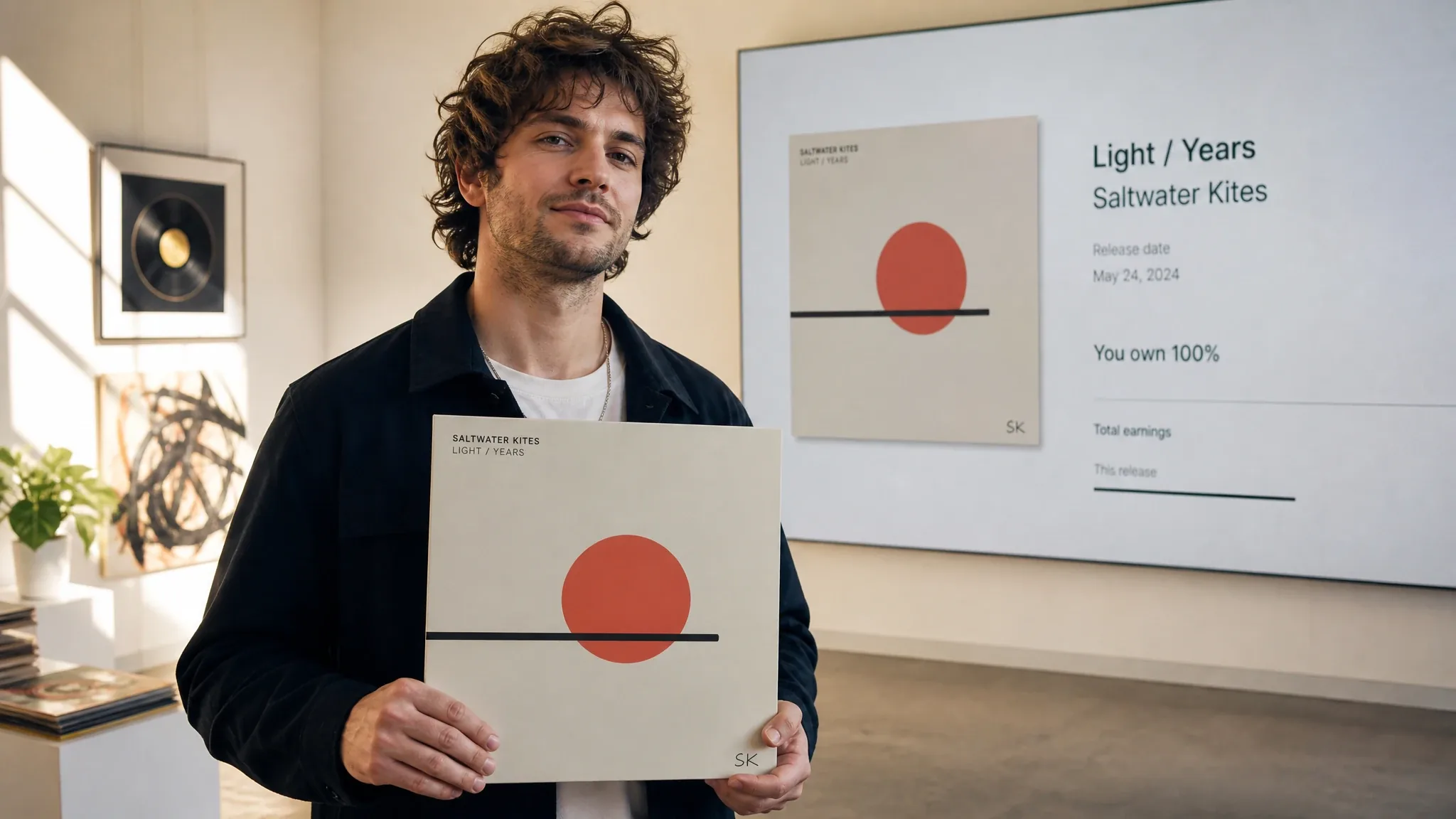
Annual subscribers can download general and song-specific commercial licenses for free. Other signed-in users can license one of their completed songs for 100 credits without a subscription. Once a song is licensed, downloading its license again is free, even after a subscription expires.
Can I monetize music created with Aimusicgen?
Yes. Once you obtain the applicable Aimusicgen Commercial License Agreement for eligible content, you may monetize it in any lawful form, including streaming royalties, sales, advertising, sponsored content, films, games, podcasts, live streams, client work, and derivative projects. You may publish and distribute it through any platform or distributor, including Spotify, Apple Music, YouTube, TikTok, Instagram, SoundCloud, TuneCore, DistroKid, and others, subject to applicable law and each third-party platform’s rules. Aimusicgen does not require additional approval or take a share of your revenue.
Does Aimusicgen offer refunds?
Yes. You can request a refund within 7 days of purchase if you have generated no more than 5 songs. Send the request to [email protected] with your account email. For full details, review our Refund Policy.